
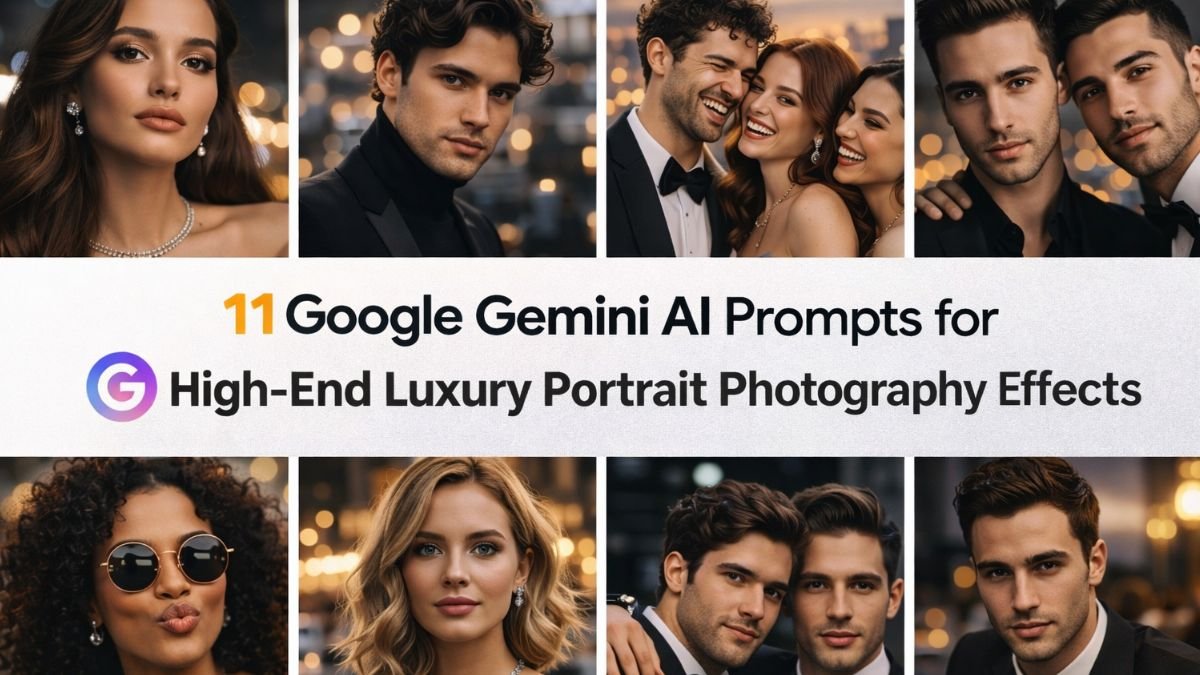
In today’s digital era, creating luxury portrait photography no longer requires expensive studios or professional equipment.
With tools like Google Gemini AI, you can generate stunning, high-end portraits using carefully crafted prompts.
Whether you’re a content creator, photographer, or influencer, these prompts help you achieve premium, editorial-style visuals effortlessly.
This guide explores 11 powerful Google Gemini AI prompts that can elevate your portraits to a luxury level with cinematic lighting, rich textures, and flawless aesthetics.
Why Use Google Gemini AI for Luxury Portraits?
Google Gemini AI allows users to create visually stunning images by simply describing what they want. By using the right keywords, you can simulate:
- High-end fashion magazine shoots
- Studio-quality lighting setups
- Professional retouching effects
- Cinematic color grading
The secret lies in combining lighting, mood, styling, and environment details within your prompts.
11 Google Gemini AI Prompts for Luxury Portrait Effects
1. Editorial Fashion Magazine Look
“Luxury portrait of a model in designer outfit, studio lighting, glossy skin, high fashion editorial, ultra HD, Vogue style”
2. Golden Hour Luxury Glow
“Portrait of a subject in golden hour lighting, warm tones, soft shadows, cinematic glow, high-end photography style”
3. Dark Background Premium Portrait
“Luxury portrait with black background, dramatic lighting, sharp focus, rich contrast, professional studio effect”
4. Royal Aesthetic Portrait
“Portrait of a person in royal attire, palace background, elegant pose, rich textures, cinematic lighting, ultra realistic”
5. Minimal Luxury Studio Setup
“Clean white background portrait, soft diffused lighting, minimal luxury aesthetic, flawless skin, high resolution”
6. Cinematic Moody Lighting
“Portrait with moody lighting, deep shadows, dramatic highlights, film-style color grading, luxury editorial vibe”
7. Outdoor Luxury Lifestyle Shot
“High-end portrait in luxury outdoor setting, modern architecture, natural light, stylish outfit, premium look”
8. Close-Up Beauty Portrait
“Extreme close-up portrait, glowing skin, detailed textures, soft light, beauty photography, ultra HD clarity”
9. Black and Gold Luxury Theme
“Portrait with black and gold color palette, elegant styling, luxury atmosphere, dramatic lighting, editorial shoot”
10. High-Fashion Runway Style
“Model portrait in runway fashion, bold pose, studio lighting, high contrast, luxury brand campaign style”
11. Soft Focus Premium Portrait
“Luxury portrait with soft blurred background, natural light, smooth skin tones, dreamy high-end photography effect”
Tips to Enhance AI Luxury Portrait Results
To get the best output from Google Gemini AI, follow these expert tips:
- Use keywords like “luxury,” “editorial,” “cinematic,” and “ultra HD”
- Specify lighting styles such as soft light, studio lighting, or golden hour
- Add fashion details like designer outfit, makeup, and accessories
- Include environment settings like studio, palace, or modern architecture
- Keep experimenting with combinations for unique results
The more precise your prompt, the more refined your portrait will look.
Benefits of Using AI for Portrait Photography
AI-generated portraits are becoming increasingly popular due to their flexibility and cost-effectiveness. Here are some key advantages:
- No need for expensive equipment
- Instant results with high-quality visuals
- Unlimited creative experimentation
- Ideal for social media and branding
With AI, anyone can create professional-grade luxury portraits in minutes.
Google Gemini AI is transforming how we create portrait photography by making high-end visuals accessible to everyone.
With these 11 carefully crafted prompts, you can produce stunning, luxury-style portraits that rival professional studio shoots.
Whether you want editorial fashion images, cinematic portraits, or minimal luxury aesthetics, these prompts offer endless creative possibilities.
Start experimenting today and elevate your content with premium, visually striking portrait effects.